Every year, preventable accidents occur during equipment maintenance because energy sources aren’t properly controlled. The lockout tagout training form exists not as paperwork for compliance’s sake, but as a lifeline—documenting who knows how to safely isolate hazardous energy, when they were trained, and what procedures they’re authorized to perform.
More than just a signature sheet, an effective LOTO training form is a strategic safety tool. It closes gaps in knowledge, ensures consistency across shifts, and provides legal protection when regulatory bodies conduct audits. Poorly designed or inconsistently used forms, however, create a false sense of security. That’s why every detail—from employee verification to refresher training logs—matters.
Let’s break down what makes a lockout tagout training form effective, how to structure it for real-world use, and what common mistakes to avoid.
Why a Lockout Tagout Training Form Is Non-Negotiable
Lockout tagout (LOTO) is one of OSHA’s most frequently cited standards. Standard 29 CFR 1910.147 mandates that employees be trained and retrained on energy control procedures. The training form is the primary evidence that this requirement has been met.
Without a properly maintained form: - Employees may perform maintenance without understanding equipment-specific hazards. - Contractors or temporary workers might be unaware of site-specific LOTO rules. - During an OSHA inspection, lack of documentation can lead to fines exceeding $15,000 per violation.
Real-world example: A manufacturing plant in Ohio avoided a $70,000 penalty during an OSHA audit because auditors found dated, signed training forms for every maintenance technician—even those on contract. The forms included model-specific lockout procedures, proving that training wasn’t generic but tailored to actual equipment.
The form isn’t just proof—it’s a foundation. It ensures everyone operating machinery understands how to de-energize it safely, verify isolation, and prevent unauthorized re-energization.
Core Components of an Effective LOTO Training Form
A strong lockout tagout training form isn’t a one-size-fits-all template. It must capture specific, actionable information. Here are the essential components:
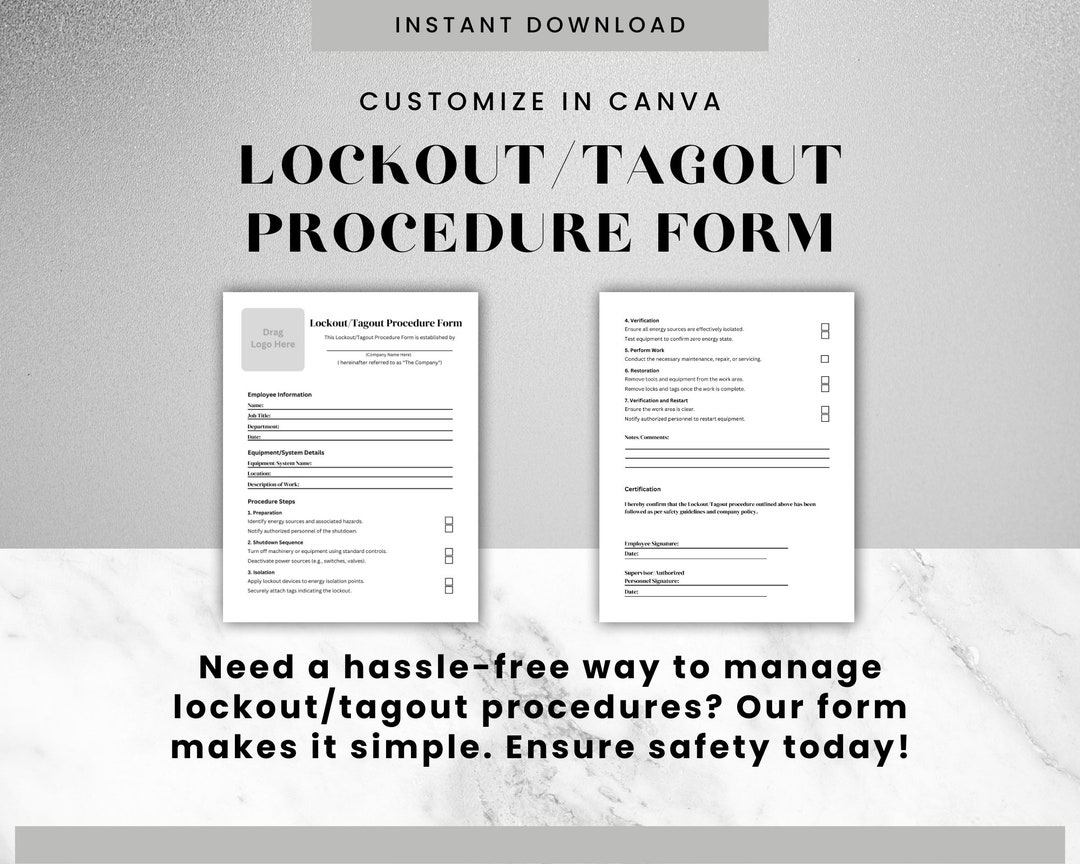
1. Employee Information Include full name, job title, department, employee ID, and shift. This connects the training to a real person, not a generic role.
2. Training Scope and Type Clarify whether training is for:
- Authorized employees (those who perform LOTO)
- Affected employees (those who operate or use equipment)
- Refresher training
- New hire orientation
- Equipment-specific training (e.g., hydraulic press, conveyor system)
3. Date and Duration Record the start and end time of the session. OSHA doesn’t specify minimum durations, but 30–60 minutes is typical for initial training. Shorter sessions may not cover critical topics like testing isolation or group lockout procedures.
4. Trainer Credentials The trainer’s name, certification number, and employer affiliation must be included. This ensures accountability and proves the trainer is qualified.
5. Training Content Covered List specific topics, such as:
- Types of hazardous energy (electrical, mechanical, hydraulic, pneumatic)
- Steps in the lockout process
- Use of lockout devices and tags
- Verification of zero energy
- Group lockout procedures
- Exception scenarios (e.g., shift changes, temporary removal of locks)
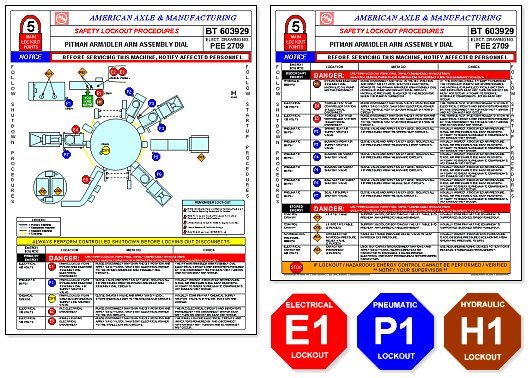
6. Equipment-Specific Procedures Attach or reference the exact LOTO procedures used during training. For example: “Training conducted using LOTO-023: CNC Lathe Isolation Procedure.”
7. Assessment and Competency Verification Include a section where the employee demonstrates understanding—either through a written quiz, practical demonstration, or both. A simple “understands procedure” checkbox isn’t enough.
8. Signatures Both employee and trainer must sign. Dual signatures confirm participation and comprehension.
Failure to include even one of these elements can invalidate the form during an audit. A form missing competency verification, for instance, suggests training may have been passive—like a video watched without confirmation of learning.
Common Mistakes That Undermine LOTO Training Forms
Even with a well-designed form, mistakes in implementation can render it useless.
Mistake 1: Using a Generic Template A single form for all employees across departments overlooks equipment-specific risks. A maintenance tech working on a 480V motor needs different training than someone servicing a compressed air line.
Solution: Customize forms by equipment type or process. Use attachments or separate forms for high-risk machinery.
Mistake 2: Skipping Refresher Training Documentation OSHA requires retraining whenever there’s a change in job duties, equipment, or procedures—or at least annually. Many companies forget to update forms when refresher sessions occur.
Solution: Add a “Refresher Log” section to the back of the form, with space for date, topic, trainer, and signature.
Mistake 3: Storing Forms Digitally Without Access Controls Going paperless is efficient—but if files are editable by anyone, or not backed up, they’re vulnerable. During an inspection, inaccessible records equal non-compliance.
Solution: Use a secure LMS (Learning Management System) with audit trails, version control, and read-only access for auditors.
Mistake 4: Failing to Train Temporary or Contract Workers Contractors often get a safety orientation but miss formal LOTO training. If they service equipment, they must be trained and documented just like full-time staff.
Solution: Include a checkbox: “Contractor trained under site-specific LOTO policy.” Attach a copy of their employer’s LOTO authorization if applicable.
How to Integrate the Form Into Your Safety Workflow
A training form shouldn’t live in a binder on a shelf. It should be part of daily operations.
Step 1: Pre-Training Preparation Before the session:
- Review equipment-specific LOTO procedures.
- Gather devices (locks, tags, hasps) used in the demo.
- Pull the employee’s past training records to identify gaps.
Step 2: Conduct the Session Use a blended approach:
- 20 minutes on theory (hazards, standards, general steps)
- 30 minutes on hands-on practice (actual lockout of equipment)
- 10 minutes on assessment (written or verbal quiz)
Document everything on the form in real time.
Step 3: Post-Training Follow-Up File the form in both digital and physical records. Notify the supervisor that the employee is now authorized for LOTO tasks. Add the employee to the “authorized personnel” list posted near high-risk equipment.
Step 4: Schedule Recurrence Set a calendar reminder for the 12-month refresher or sooner if equipment changes.
This cycle turns the form from a compliance artifact into a living document in your safety ecosystem.
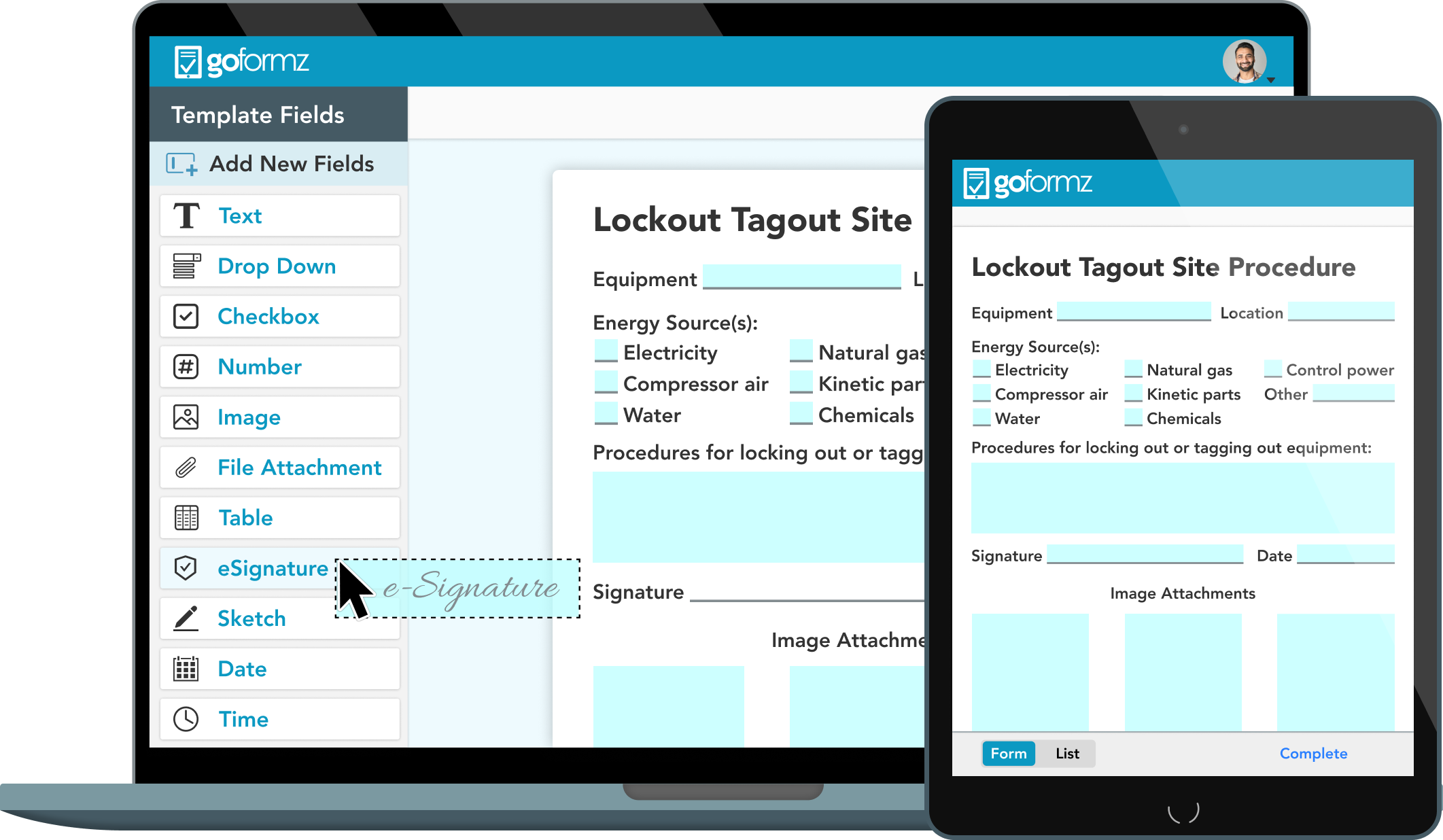
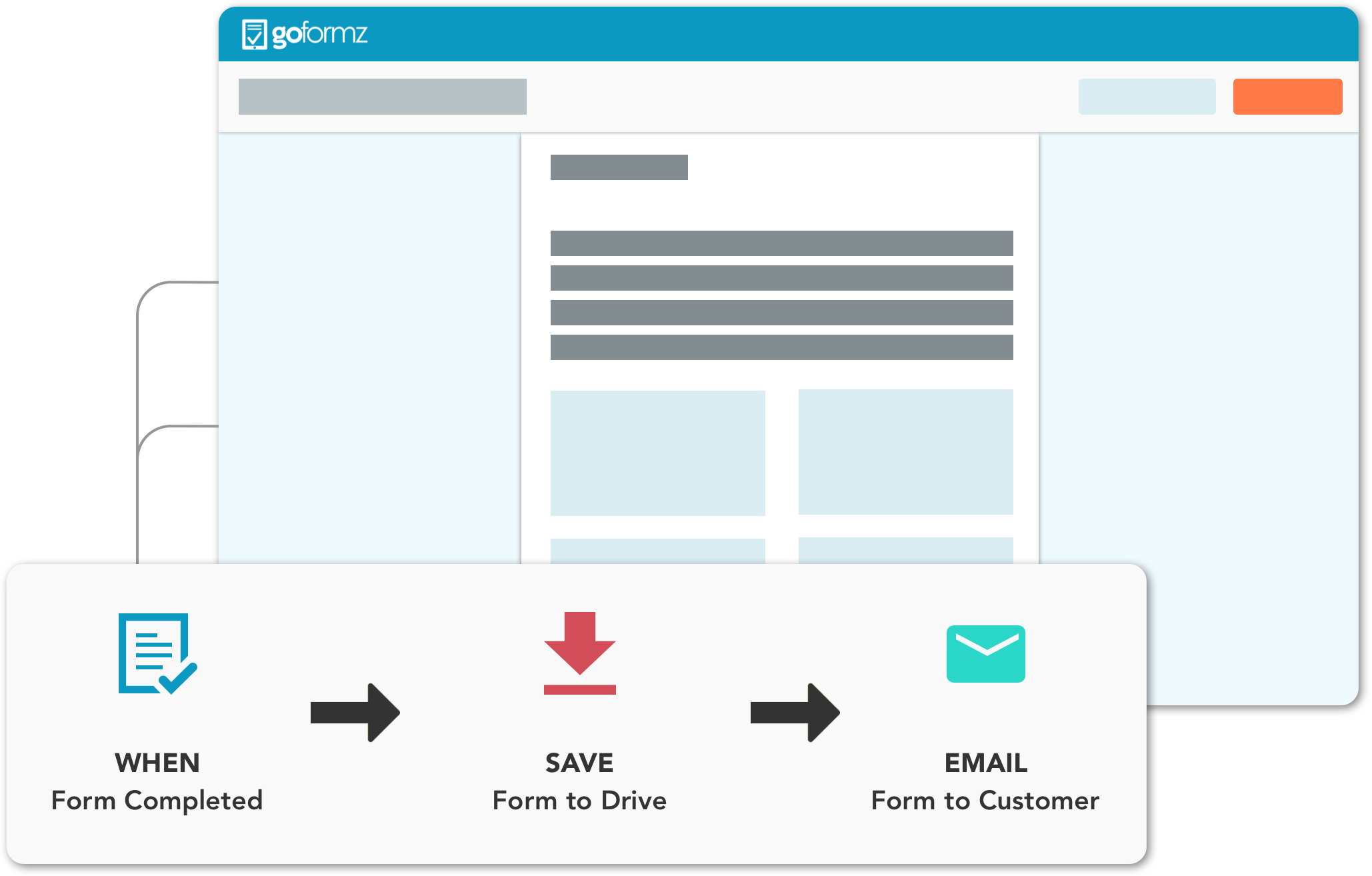
Digital vs. Paper LOTO Training Forms: Which Should You Use?
While both formats are acceptable under OSHA, the choice impacts efficiency, accuracy, and scalability.
| Factor | Paper Forms | Digital Forms |
|---|---|---|
| Accessibility | Limited to physical location | Cloud-based, accessible from any device |
| Audit Trail | Hard to track edits or access | Timestamps, user logs, version history |
| Integration | Standalone, no integration | Can sync with HRIS, LMS, or EHS platforms |
| Error Rate | High (illegible handwriting, lost forms) | Low (validation rules, required fields) |
| Cost | Low upfront, high long-term (storage, labor) | Higher initial cost, lower maintenance |
Verdict: For operations with more than 20 employees or multiple sites, digital forms are superior. They reduce administrative burden, prevent data loss, and streamline audits.
However, small workshops with consistent staff may find paper forms sufficient—if they’re stored securely and backed up.
Top 5 LOTO Training Form Solutions For teams looking to implement or upgrade their system, these platforms deliver reliable, compliant solutions:
- EHS Insight
- - Cloud-based safety management with built-in LOTO training modules
- - Customizable forms with digital signatures
- - Automated reminders for refresher training
- SaiShield Lockout/Tagout Software
- - Industry-specific templates (manufacturing, utilities, labs)
- - Mobile app for on-site training documentation
- - Integration with existing LOTO device inventories
- iAuditor by SafetyCulture
- - Drag-and-drop form builder
- - Real-time reporting and photo evidence capture
- - Free tier available for small teams
- Procore (Safety Module)
- - Ideal for construction and industrial sites
- - Links training records to employee dashboards
- - OSHA-ready reporting tools
- ClickSafety LMS
- - Pre-built OSHA-compliant LOTO courses
- - Training forms auto-generated upon course completion
- - SCORM-compliant for integration with other systems
Each of these platforms turns static forms into dynamic tools—ensuring training isn’t just recorded, but reinforced.
Practical Example: Using the Form in a Manufacturing Setting
At a food processing plant, a night-shift technician needs to clear a jam in a slicer. Before starting, the supervisor checks the LOTO training log—digital, via tablet. The technician’s record shows: - Initial training completed: June 12 - Refresher completed: May 8 - Authorized for: Slicer Model X, Conveyor Y, Packaging Z - Last practical assessment: Passed (video recorded)
Because the form is current and specific, the technician proceeds with confidence. The lockout is performed correctly. No energy is released. No injury occurs.
This is the power of a solid LOTO training form—not in isolation, but as part of a culture of verification and accountability.
Final Thoughts: Make the Form Work for You
A lockout tagout training form should do more than satisfy OSHA. It should reflect your commitment to safety, clarify responsibilities, and reduce risk every time equipment is serviced.
Don’t treat it as a checkbox. Design it with precision. Update it consistently. Use it to drive conversations about safety—not just document them.
Start today: audit your current forms. Are they detailed? Are they accessible? Do they prove competence, not just attendance? Revise them with the components outlined here, and integrate them into your operational rhythm.
When the next maintenance task arises, you won’t just have a signature—you’ll have assurance.
FAQ
What should you look for in Lockout Tagout Training Form Essentials for Workplace Safety? Focus on relevance, practical value, and how well the solution matches real user intent.
Is Lockout Tagout Training Form Essentials for Workplace Safety suitable for beginners? That depends on the workflow, but a clear step-by-step approach usually makes it easier to start.
How do you compare options around Lockout Tagout Training Form Essentials for Workplace Safety? Compare features, trust signals, limitations, pricing, and ease of implementation.
What mistakes should you avoid? Avoid generic choices, weak validation, and decisions based only on marketing claims.
What is the next best step? Shortlist the most relevant options, validate them quickly, and refine from real-world results.